iMovie

The iMovie version 6.0.4 was the editing program I used for creating my teaser trailer, despite the program having limited option compared to other more advanced editing programs it still was a very useful and standard quality software for making my trailer. There wasn't a immense disadvantage to the point that made the quality of my editing seem inadequate. I used editing features such as fades and slow motion to create a melancholic atmosphere to reflect the characters emotions, and pushes which emits a faster pace and conveying convention of a teaser trailer which are relatively fast and quick cuts. However since this version of iMovie was an older version the newer versions of iMovie Version 8.0 (released 2009) such as more options and features to alter videos and aim for a more professional and creative films. Some of those new features they have introduced was more movie titles which was one of the issues I had with the current iMovie with the limited and uncreative standard titles. Also having more bars for clips and sound and many new transitions.

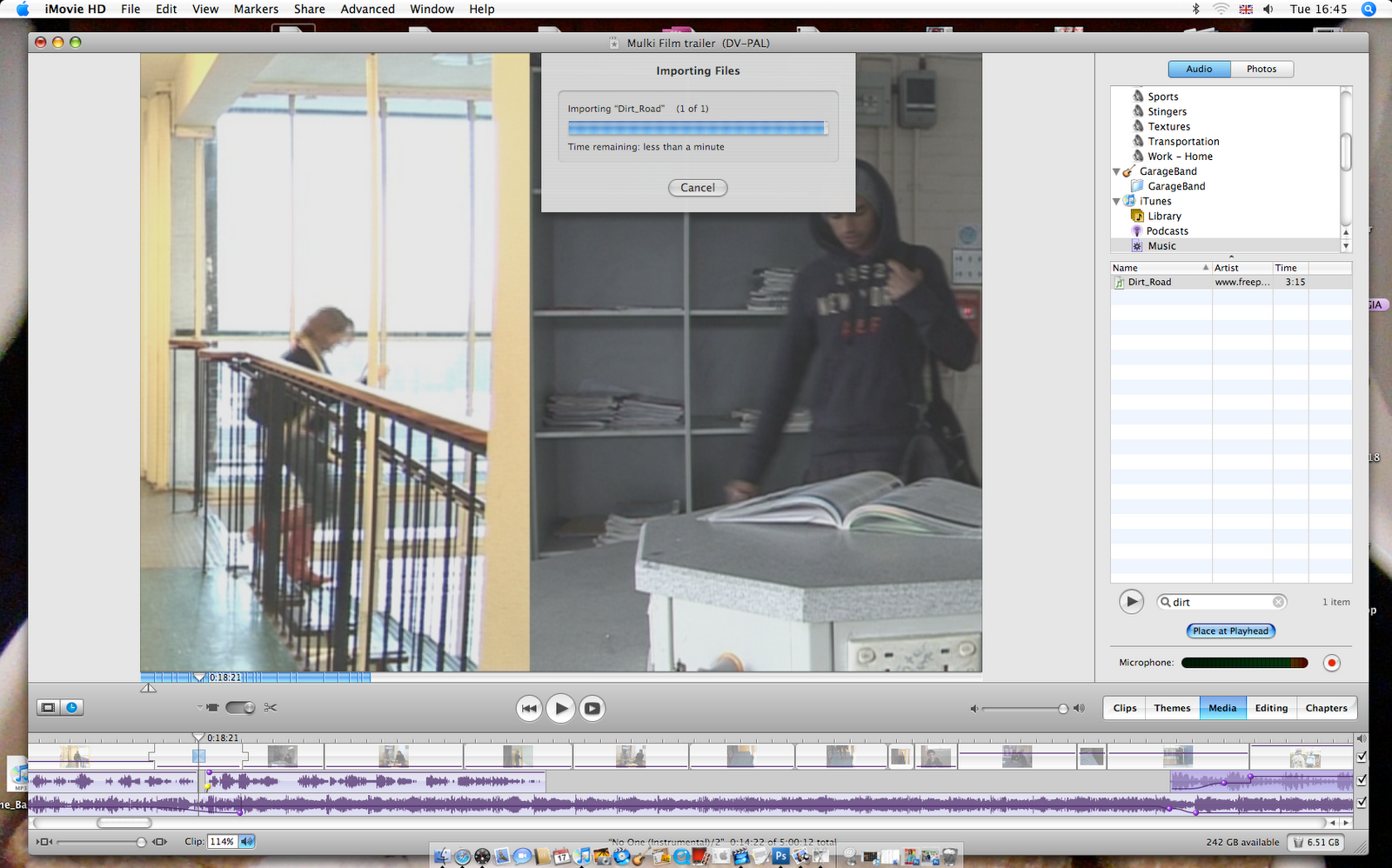
The iMovie version 6.0.4 was the editing program I used for creating my teaser trailer, despite the program having limited option compared to other more advanced editing programs it still was a very useful and standard quality software for making my trailer. There wasn't a immense disadvantage to the point that made the quality of my editing seem inadequate. I used editing features such as fades and slow motion to create a melancholic atmosphere to reflect the characters emotions, and pushes which emits a faster pace and conveying convention of a teaser trailer which are relatively fast and quick cuts. However since this version of iMovie was an older version the newer versions of iMovie Version 8.0 (released 2009) such as more options and features to alter videos and aim for a more professional and creative films. Some of those new features they have introduced was more movie titles which was one of the issues I had with the current iMovie with the limited and uncreative standard titles. Also having more bars for clips and sound and many new transitions.

iTunes
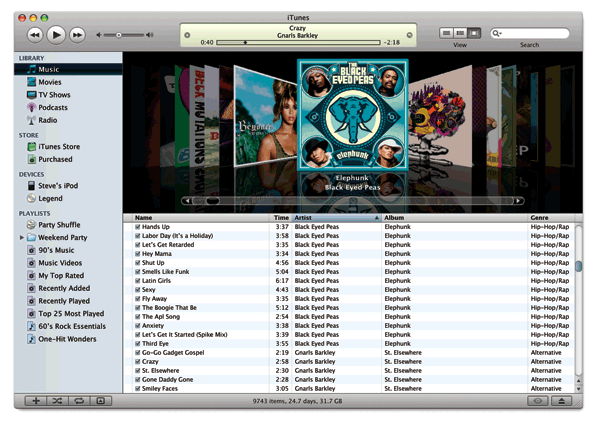
I used itunes to put my soundtrack on the iTunes library so that I can access the songs from the imovie which only gave me itunes as an option to import songs from to use it for my trailer.
Photoshop

Photoshop was the software I used for my ancillary project the magazine and poster, at first I had found it difficult using phtotshop as it was new and complicating however I have used other resources to help me take advantage of photoshop such as youtube as tutorials were proivded giuding me through what the symbols and icons mean and how I can create different types of effect. I also learned things in photoshop just by experimenting and seeing what i can create just playing with the types of effects, cutting and colouring techniques.


Microphone
I had a few complications with audio, for my teaser trailer I had used the camera’s microphone to record the voiceovers which was on stereo. The stereo meant that the sound came out from two independent audio signal channels. For the dialogue, I used the boom microphone to get a clearer sound. I had to use that although it was mono which meant all the audio signals are mixed together and routed through a single audio channel, this affected my trailer as the audio channels were switching between the dialogue and voice over. I did however have an alternative which was to use the radio microphone however can only record one person at a time, which would have been time consuming, given the limited time the actors were available I had to just use the boom microphone.

Digital Camera
I used a Digital Camera for my poster and Magazine photos which was Sony Cyber-shot model DSC-H9, it was really good quality as I am satisfied with how the poster image has turned out. The poster obviously with the work of photoshop looks professional and clear, this was also due to the lighting which was natural daylight

Microsoft Office

To construct my questionnaires, tables and graphs I used Microsoft office software, I used excel publisher and word.